

TabellenFaktura for Excel · Manual
Documentation
From your licence to a ready-to-send e-invoice: Set up TabellenFaktura step by step and use it in your everyday work.
Your first invoice, step by step
What TabellenFaktura handles
The invoice is written and designed in Excel. TabellenFaktura reads the associated information, checks it and creates a ZUGFeRD-PDF with embedded billing data or a XRechnung as XML fileThe created file is recorded in the local journal and archived in addition. For sending e-mails, a design can be prepared in classic Outlook.
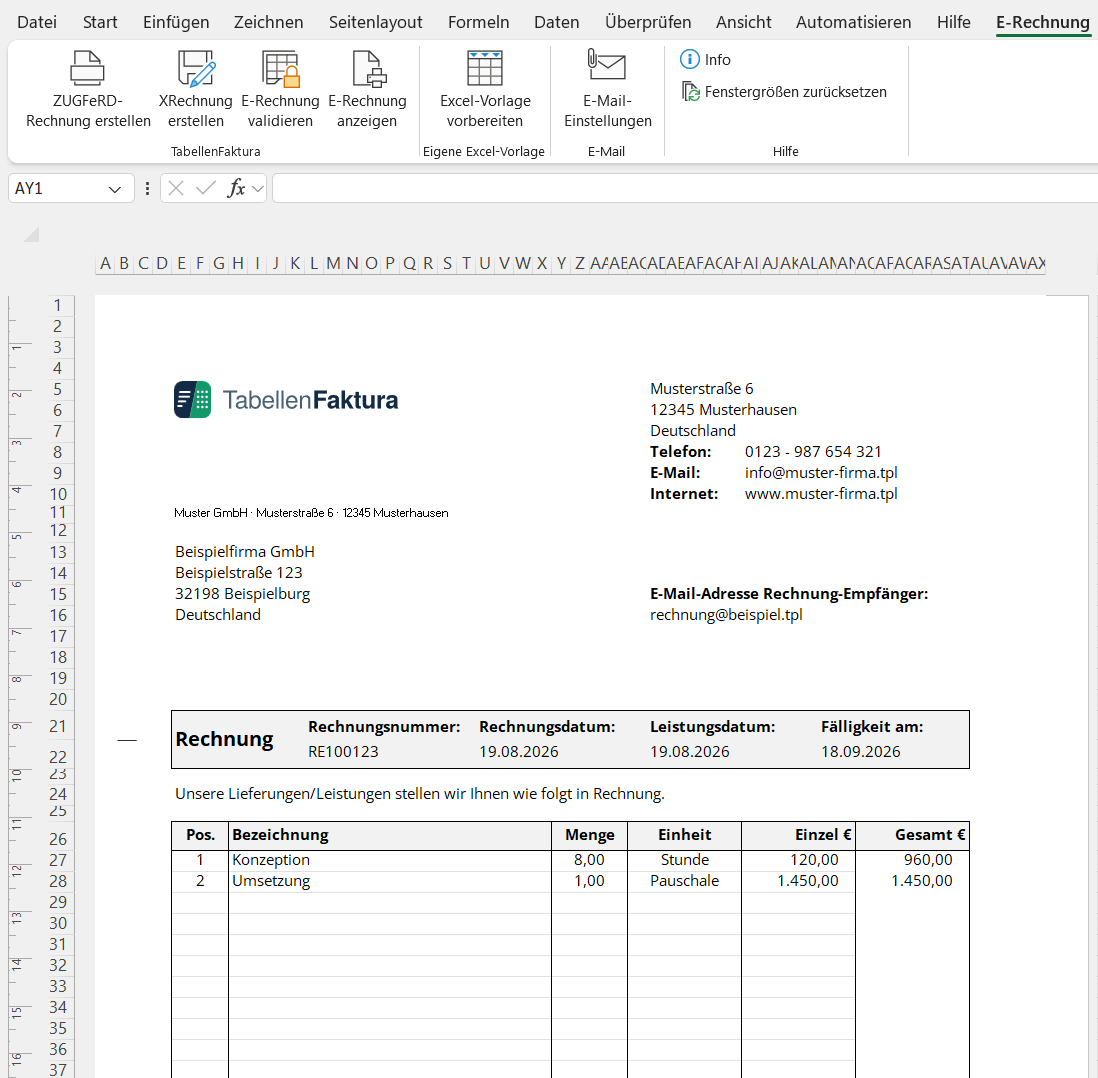
- Excel folder
- Editable template with formulas, layout and billing data. It is the work file, not the finished e-invoice yet.
- ZUGFeRD
- A PDF file for reading, with embedded XML for machine processing.
- XRechnung
- A structured XML file. An additional PDF is not a requirement for this output format.
- Journal
- The common overview of reserved invoice numbers and final invoices on this PC.
- Archive
- The folder with the unchanged final PDF and XML files.
New in version 1.6.17
Additional description columns, secured Excel references and an optional payment QR extend work with your own template. ZUGFeRD output uses version 2.5.2 with the EN 16931 profile. The final PDF is also checked for PDF/A compliance and its embedded invoice data.
Everyday reference
- All buttons and the nine wizard areas
- Number circles, journal, customers and fuses
- Macros, multi-page invoices, haircuts and other special cases
- Errors and frequent questions
The instructions describe version 1.6.14 and access via the website with stand 30. October 2026. The pictures of the billing wizard and the setup show version 1.6.14. Other sample images show unchanged operating procedures from previous versions. Each image can be enlarged.