

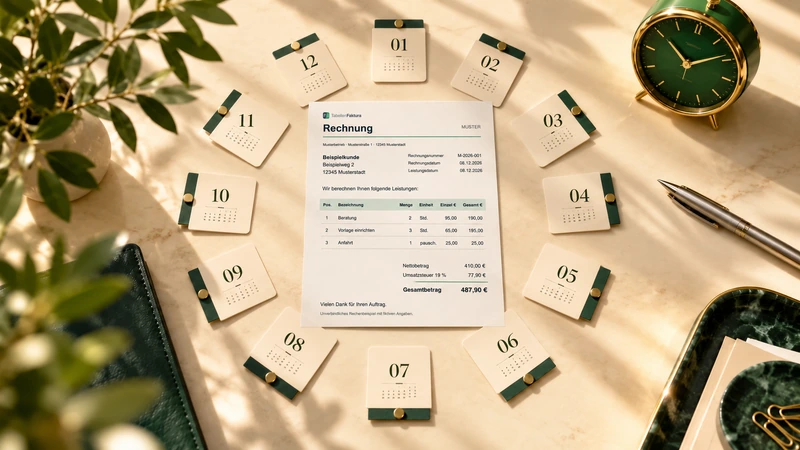
Maintenance, support or regular services often lead to very similar monthly invoices. TabellenFaktura can reuse the set-up Excel template. The assignment remains the basis; customer, period, invoice number and services actually provided are re-examined for each operation.
Create a full copy of the prepared workbook, update monthly information, add a new invoice number and create the invoice with TabellenFaktura. This process is started consciously, which does not result in unsupervised subscription billing or automatic dispatch.
Distinguishing a template from finished invoices
A good initial template contains the firm company data, the appropriate formulas, the column structure and the stored assignments. It does not yet contain a final billing process. New invoices receive a separate work file each time. This can be understood later on which Excel values of the respective output were based.
For Settings Only in this Excel file Copy the complete file. Inserting cells or a print area into another mappe is not an equivalent replacement. In case of central assignments, the monthly copies must continue to use the same structure. If the structure is changed, the instructions will help Customize mappings after a template change.
What information must be verified monthly?
| Detail | Typical treatment | Review question |
|---|---|---|
| Seller address and bank details | Take over from template | - Since the last bill? |
| Invoice number | Newly awarded | Is this the number of the process? |
| Invoice date and maturity | Update | Do both match the agreed payment target? |
| Performance period | Enter month explicitly | Is the actual time period indicated? |
| Quantities, prices and additional services | Compare with performance certificate | Has more or less been paid than the previous month? |
| Buyer and invoice e-mail | Current status | Do you agree to the address, contact person and shipping address? |
An unchanged total does not mean that the entire content is correct. An October invoice with a September performance period can be computationally flawless and yet describe the wrong performance. Especially the apparently familiar fields therefore need a fixed place in the control.
Example: Monthly flat rate plus additional hours
A fictitious service provider calculates a maintenance fee of 240,00 Euro net. In October, two separately agreed hours are added to each 85,00 Euro. The invoice therefore contains two positions: one flat fee of 240,00 Euro and two double hours of 85,00 Euro. The net sum is 410,00 Euro; if 19 % VAT is assumed 77,90 Euro tax and 487,90 Euro brutto.
For November, the lump sum can remain the same, while the additional hours are not required or have a different amount. Therefore, the October copy must not be issued unchecked as November invoice. Unnecessarily remove any items or use the intended treatment of real zero quantities and then check the identified list. An empty quantity field is not a clearly recorded zero quantity.
The performance period is recorded in addition to an understandable position text in the appropriate billing fields. If the template only bears the period in the file name, this information may be missing both in the PDF text and in the structured field. General information on the accounts show which date fields are provided.
Create the monthly invoice step by step
- Copy the template completely and save it as "Support-2026-10.xlsx, for example.
- Activate the invoice sheet and enter the right customer or take over from the customer management.
- Update the invoice date, performance period and maturity.
- Match the agreed services with actual quantities and prices. Recalculate formulas.
- Use a new unique invoice number, such as: Accounting management → New number.
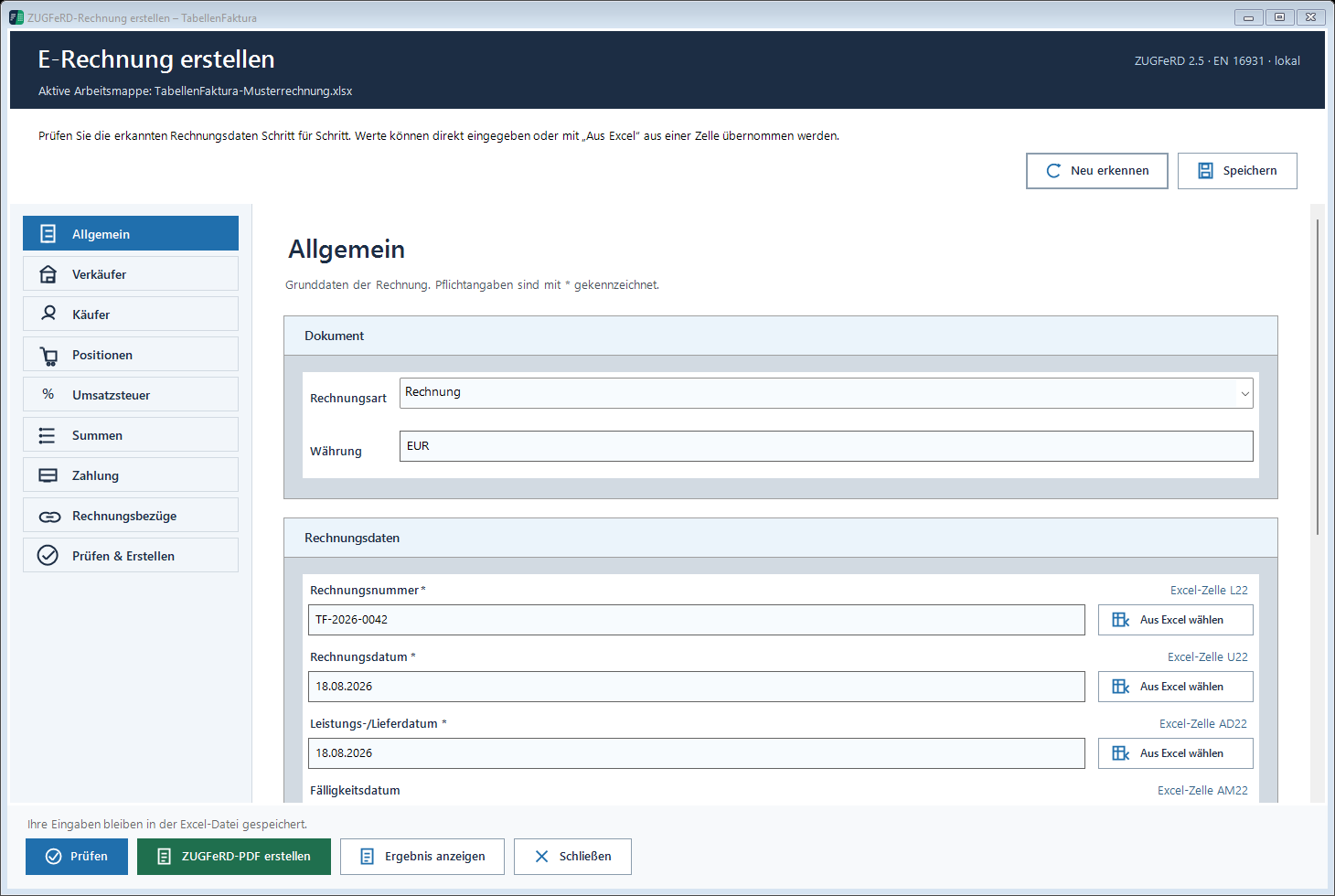
- Open the ZUGFeRD asytem and the information taken over and Recognised positions control.
- Check, create the final file and then compare PDF and embedded billing data.
The number assignment is done exactly once for a new operation. If a number is already reserved for the current workbook, check the existing operation and continue to edit. A new number with each opening of the wizard would create unnecessary reservations.
Detect copy errors before sending the invoice
Especially often an old order number, a past due date or the wrong buyer email remain in the copy. Also a value entered in the wizard can remain unnoticed although the visible Excel cell has been changed. For monthly changing values, suitable cell assignments are therefore helpful.
A check round should start with the customer and end with the payment amount: buyer, number, invoice date, period, positions, tax and payment details. The technical check supports this check but does not recognize whether a service mentioned in October has actually been performed. Order and service record remain the basis for this.
After creating the right monthly receipt send
The newly created ZUGFeRD-PDF is sent unchanged. A PDF export from an old print macro or a file from the previous month's folder can be similar to the name and yet the wrong document. In the prepared Outlook draft, check the number and file attachment together and trigger the shipment only afterwards.
The journal will find the completed invoice. The status "Finally, it will confirm the creation, not the dispatch or a payment receipt. The Excel work file and the final invoice file will then be included in the regular backup. The next monthly invoice will start again with a copy of the prepared template.
The device describes the Excel template documentationThe guide Creating ZUGFeRD invoices with Excel explains the entire way to the finished file.
Described function state: TabellenFaktura 1.6.8. Illustrations contain example information; recordings of previous program states are marked.
Frequently asked questions
Creates TabellenFaktura monthly invoices automatically by calendar?
The described process uses an established template for deliberately created new invoices. A time-controlled subscription invoice or an unsupervised shipping is not set up.
Are the assignments retained when copying?
A complete copy of the workbook will retain the assigned data stored in it. Simply copying individual cells will not automatically take over these settings.
Can the old invoice number remain in the monthly copy?
A new invoice requires a unique number. Before creating the invoice, check that no number of the previous invoice was taken over.
Does the benefit period still have to be changed if the same amount is involved?
Yes, if a new period is settled. Amount, invoice date and service period describe different components of the process.
Does finalizing in the journal mean that the monthly bill is paid?
No. Finalized means that the invoice has been completed and your file has been recorded. This does not confirm shipping and payment.